 Go To Agency
Our product, 2026
SignQuick
Sign a PDF in the browser, with no account and no watermark, then have others sign it, each from their own link.
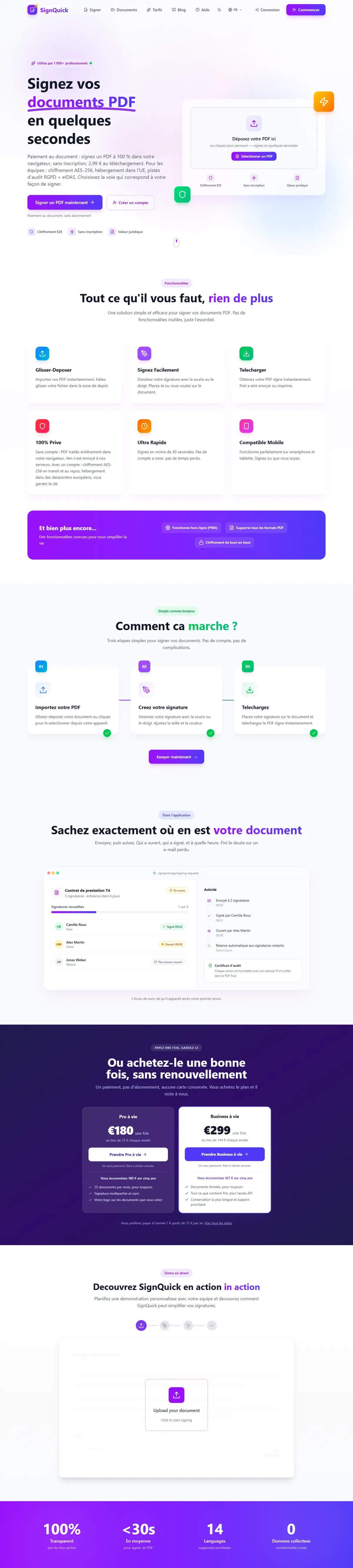

SignQuick, as it is live today.
The challenge.
Signing a document online often takes an account, a subscription, or leaves a watermark on every page. SignQuick had to let people sign right away, with none of that.
What we built.
You drop a PDF, draw or type your signature, place it on the page and see the signed file before downloading it. The document stays in the browser tab until you download it.
- 01Product
- 02Development
- 03Transactional emails
- 04Hosting
Fields placed for you.
SignQuick finds the lines labelled Signature, Initials, Date or Name in the PDF, in English and in French, and puts a field on each. Initials on every page take one click.
One link per signer.
Each signer gets their own link by email and signs without an account. A reminder goes out every two days, the signing order is enforced by the server, and links close at the chosen deadline: 7, 14 or 30 days, or a set date.
A private mode.
To send the emails, SignQuick keeps the document's key until the request closes. In private mode, the key stays off our servers: you then pass the links on yourself.
- Year
- 2026
- Sector
- Electronic signature
- Technologies
- Next.js, React, pdf-lib, PostgreSQL, Stripe, AWS SES